Getting started
Welcome
This is the guide to help you use the SlugSplit Desktop App. The guide assumes you have a general idea of RSA and that you are a SlugSplit member.
Click here if you want to become a member or want to know more about our service
Click here if you want to know more about what RSA is
SlugSplit is available on Mac and Windows. You sign in with a license key given to you during sign up to become an early access member.
Install the app from the welcome email and sign in with your license key.
SignalsReverse-split buys. Create idle tasks from a row, then start them from Tasks.
TasksRun a dry task and read its log.
TradesThe trade log of orders this app sends.
AccountsAdd a login, open its details, and read holdings.
SettingsDefaults, broker modes, captcha, IMAP, and the licence.
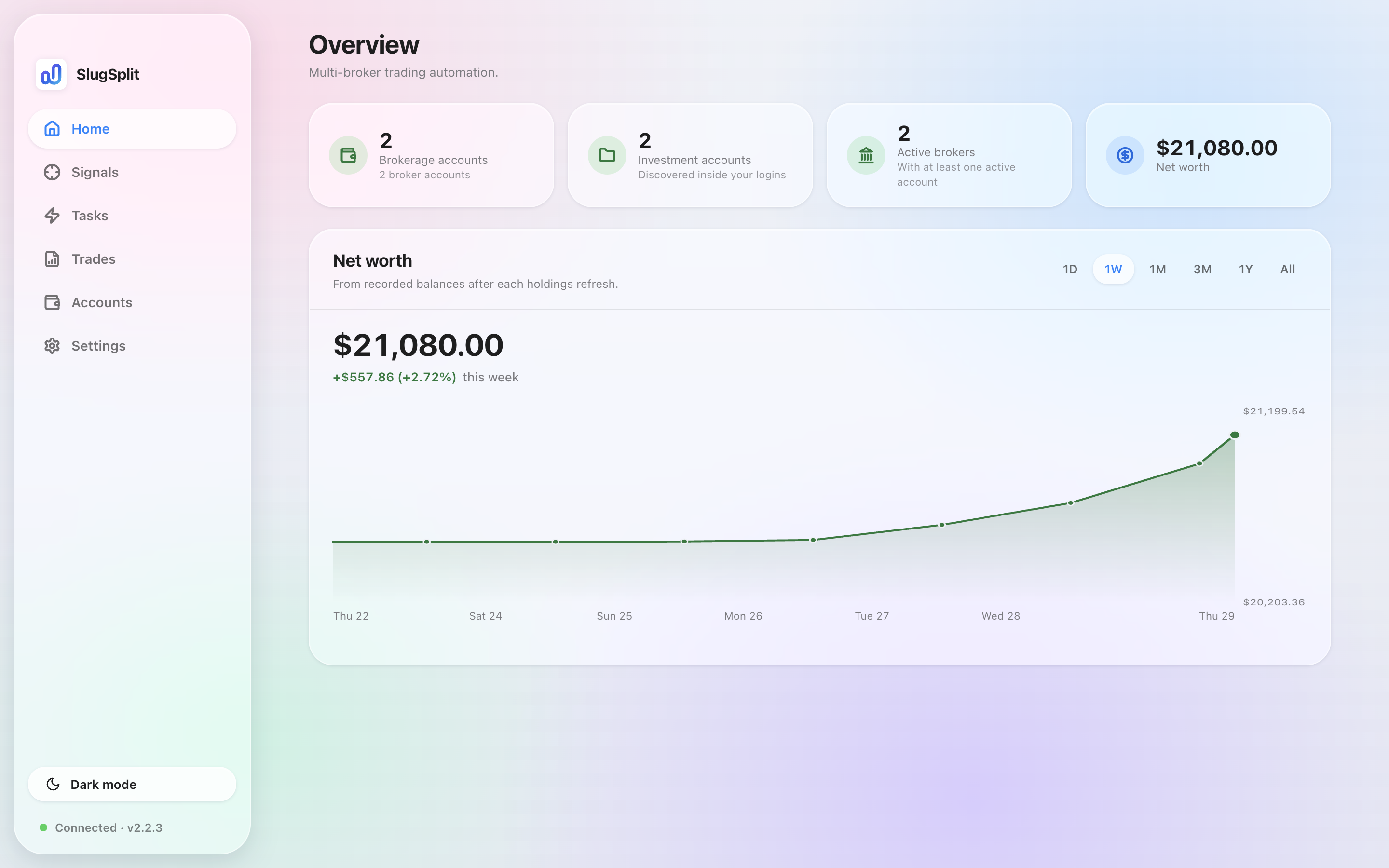
Overview. The balances are sample data.
The Home section contains an overview. Here you can find important details such as total net worth across all your connected investment accounts, as well as the number of connected brokerage accounts.