Tasks
Task log
The log for one task, and how to copy or clear it.
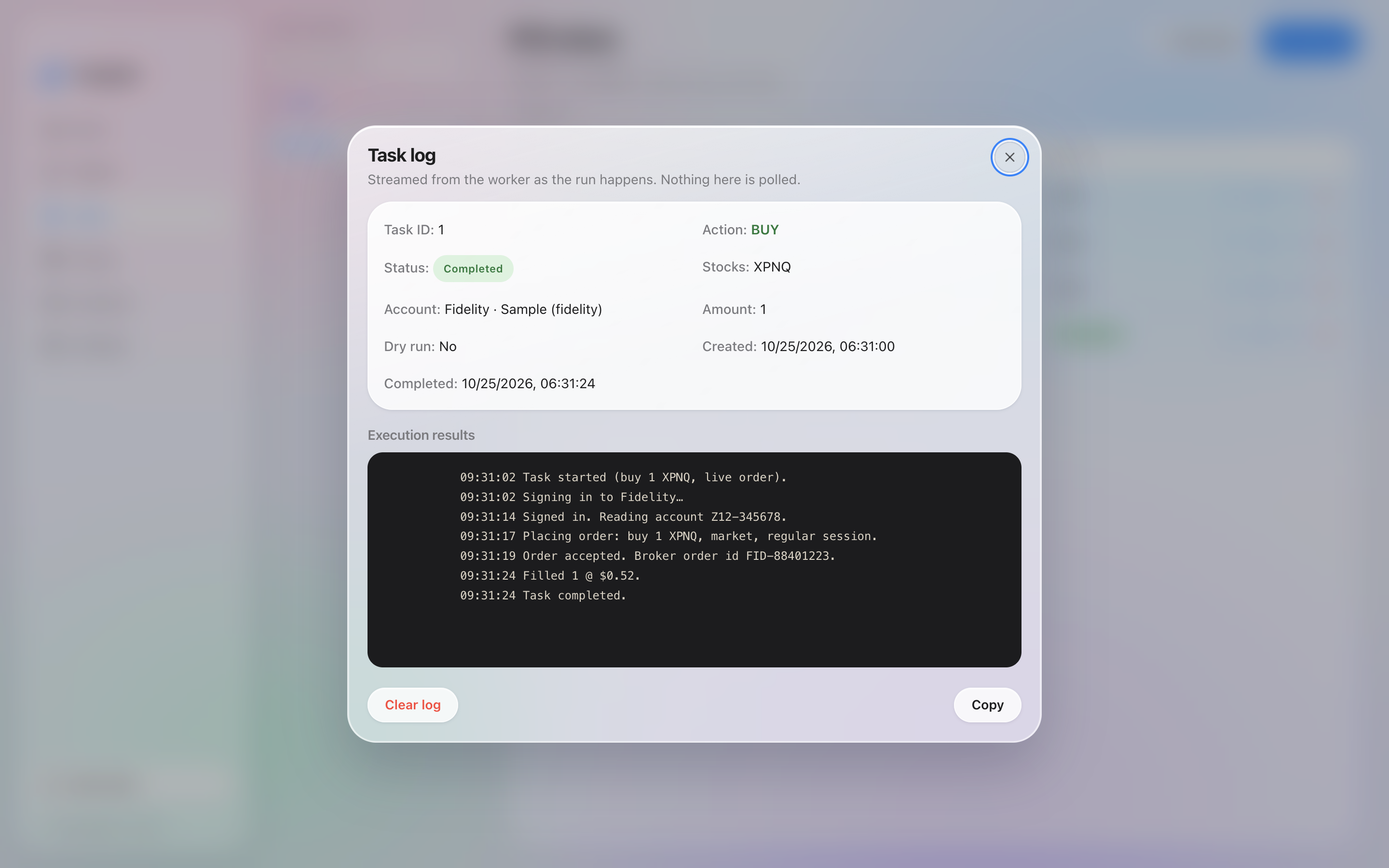
The task log is the window for one task's runs.
Right-click a task and choose Show log, or use Show log on the row. The window title is Task log.
Each run is listed with the time it started. Lines are grouped by the phase the run was in, such as signing in or placing the order.
Copy puts the log on the clipboard. Clear log deletes it for that task.
The log is empty until the task has been started. A dry run still writes a log. It records the walk-through and the stop before the order.
Task log before the task has been started. The ticker is a sample.
The account has its own log, separate from this one. That window is Account log, from the account's right-click menu. See Details.