Settings
Brokers
Per-broker order mode and login method, only where the broker offers a choice.
Choose Settings, then Brokers. A broker appears here only when it has more than one way to work. A broker with a single mode is not listed. The app uses that mode.
Execution mode#
How orders are placed after sign-in.
- Fidelity. API request mode is the default. The browser is still used once for login. Later orders go over HTTP. Browser automation drives the order page instead.
- Fennel. Official API is the default. Mobile is the other choice. API mode uses the official path until its monthly order cap is spent, then can fall back on accounts that have mobile turned on. Mobile mode skips that official order path. Each Fennel account still needs its Auth0 email on the account form.
- Wells Fargo. Fast is the default. Login stays in the browser. Each account's order is then sent from that page. Browser automation clicks through the ticket instead.
- Chase. Fast is the default, same idea. Browser automation drives the trade page.
Login method#
How the sign-in itself runs. Request mode is the default where it is offered. Browser automation types through the form.
The brokers with that choice are Chase, Citi, Fidelity, SoFi, and Wells Fargo.
SoFi login engine is a separate row. The default is undetected-chromedriver (cold Turnstile). The other choice is patchright (in-process). The default runs the SoFi sign-in in its own Chrome window, then continues in the account profile. The other choice keeps that sign-in inside the app.
Hover a broker name to read the longer note for that row. A value this install does not offer shows as Not set.
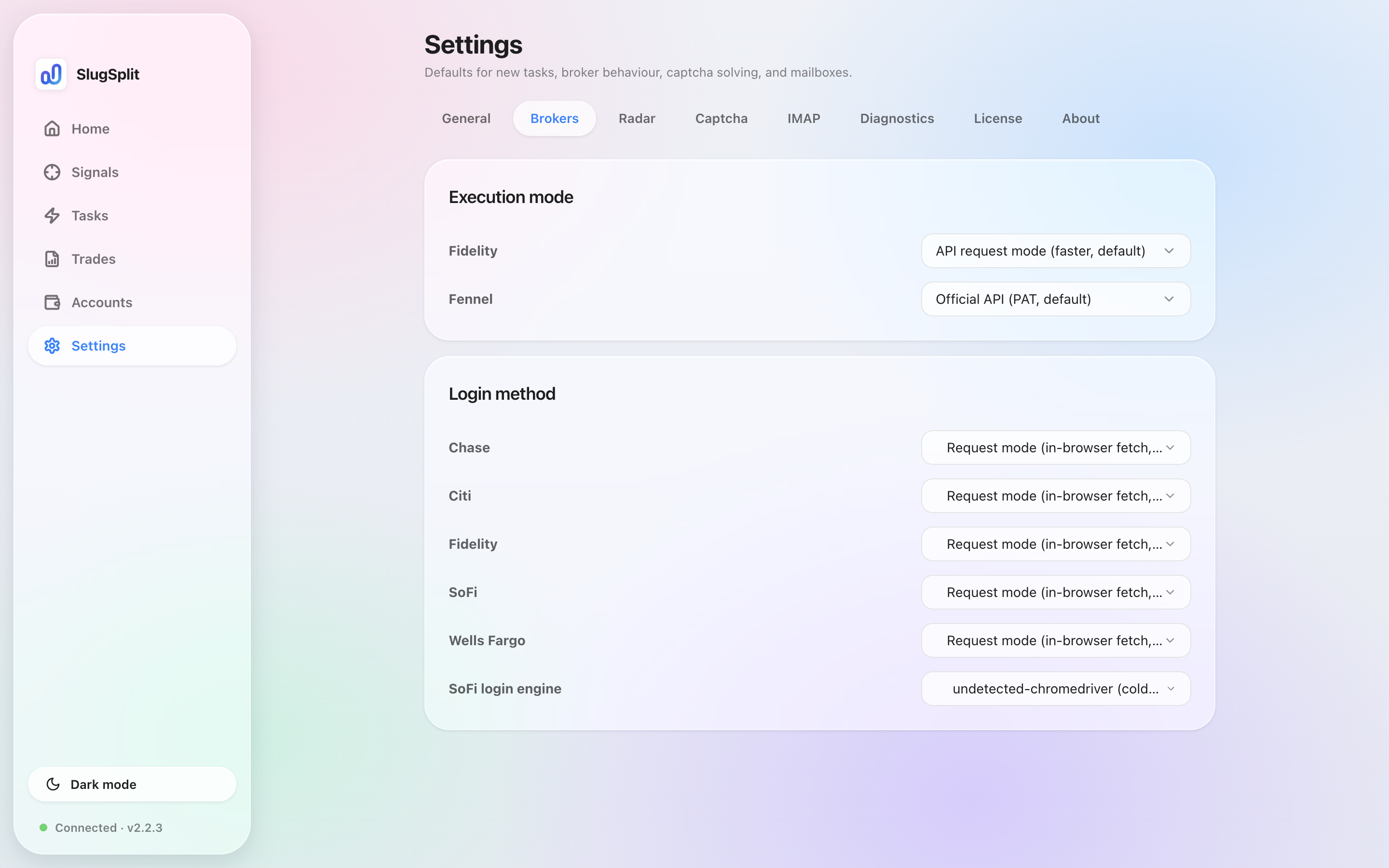
Brokers. Fidelity is on API request mode. Wells Fargo and Chase are on Fast.