Getting started
Home
The Overview page — four stat cards and the net worth chart.
Home is the first page after sign-in. The heading is Overview.
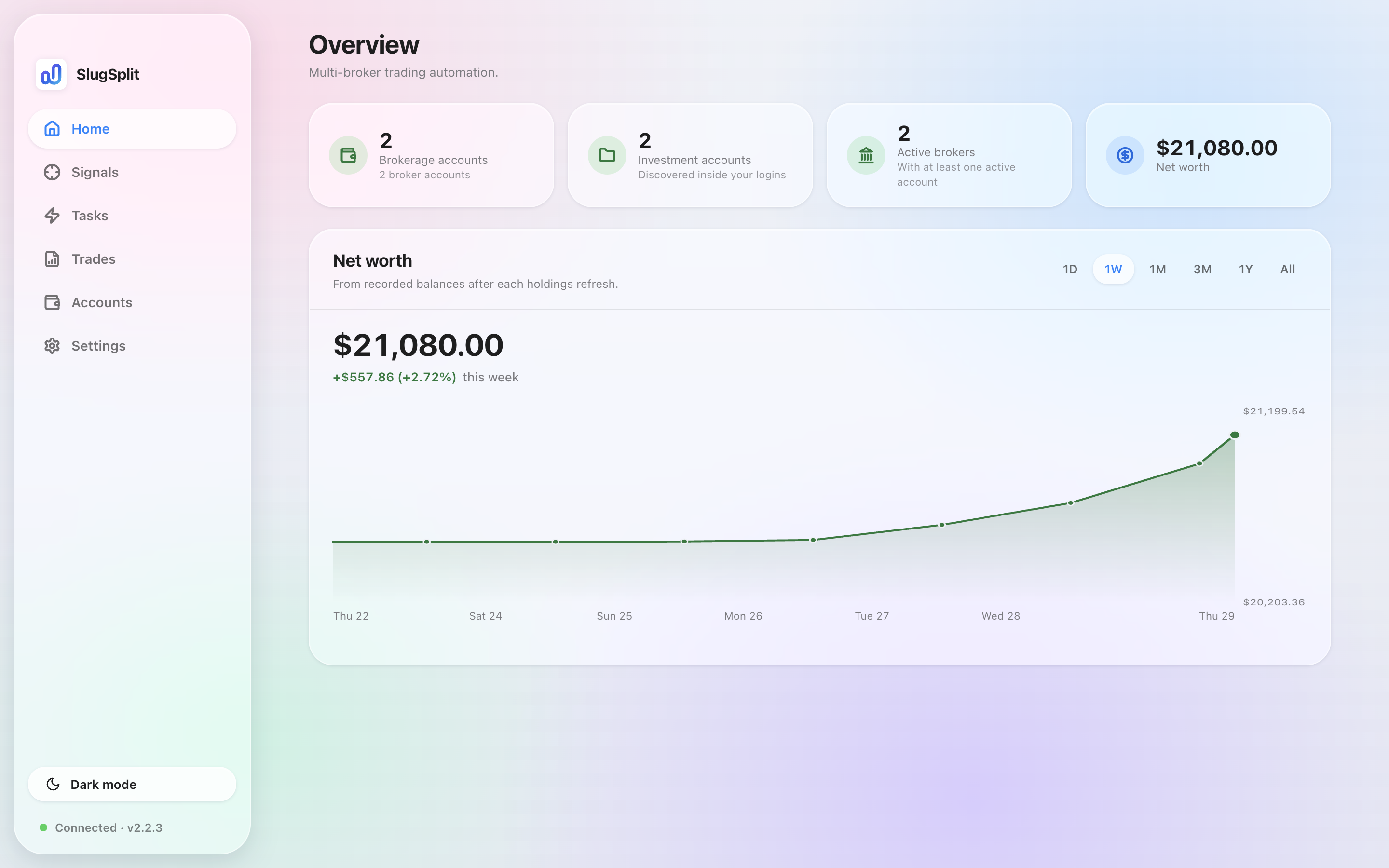
Overview with sample data.
The four cards#
Each card is a shortcut to Accounts.
| Card | What it counts |
|---|---|
| Brokerage accounts | Broker logins you added. |
| Investment accounts | The books SlugSplit discovered inside those logins. |
| Active brokers | Brokers with at least one active account. |
| Net worth | The latest total across every login, from the balances SlugSplit recorded. |
Net worth chart#
The chart draws the balances recorded after each holdings refresh — Fetch holdings, Test login, or a task that signs in and reads the account each add a reading. The pills switch the range: 1D, 1W, 1M, 3M, 1Y, All.
Until an account has been read at least once, the chart is empty and says Fetch holdings on an account to start this chart.
The figures update when holdings are fetched, not live. The line under the total — like +$557.86 (+2.72%) this week — compares the newest reading with the start of the visible range.