Settings
Radar
Background refresh for Signals, and whether OTC findings are listed.
Choose Settings, then Radar. The heading on the tab is Radar signals.
This is the list behind Signals. You still create tasks there, and you still start them from Tasks.
- Poll in the background. On refreshes the list on a timer. Off leaves refresh to the Refresh button on Signals.
- Show OTC signals. Off keeps the list to listed exchanges. On includes OTC findings. Check that your brokers fill OTC orders before you create tasks from those rows.
OTC findings are not hidden from the broker. If the broker will not fill them, do not create tasks from those rows.
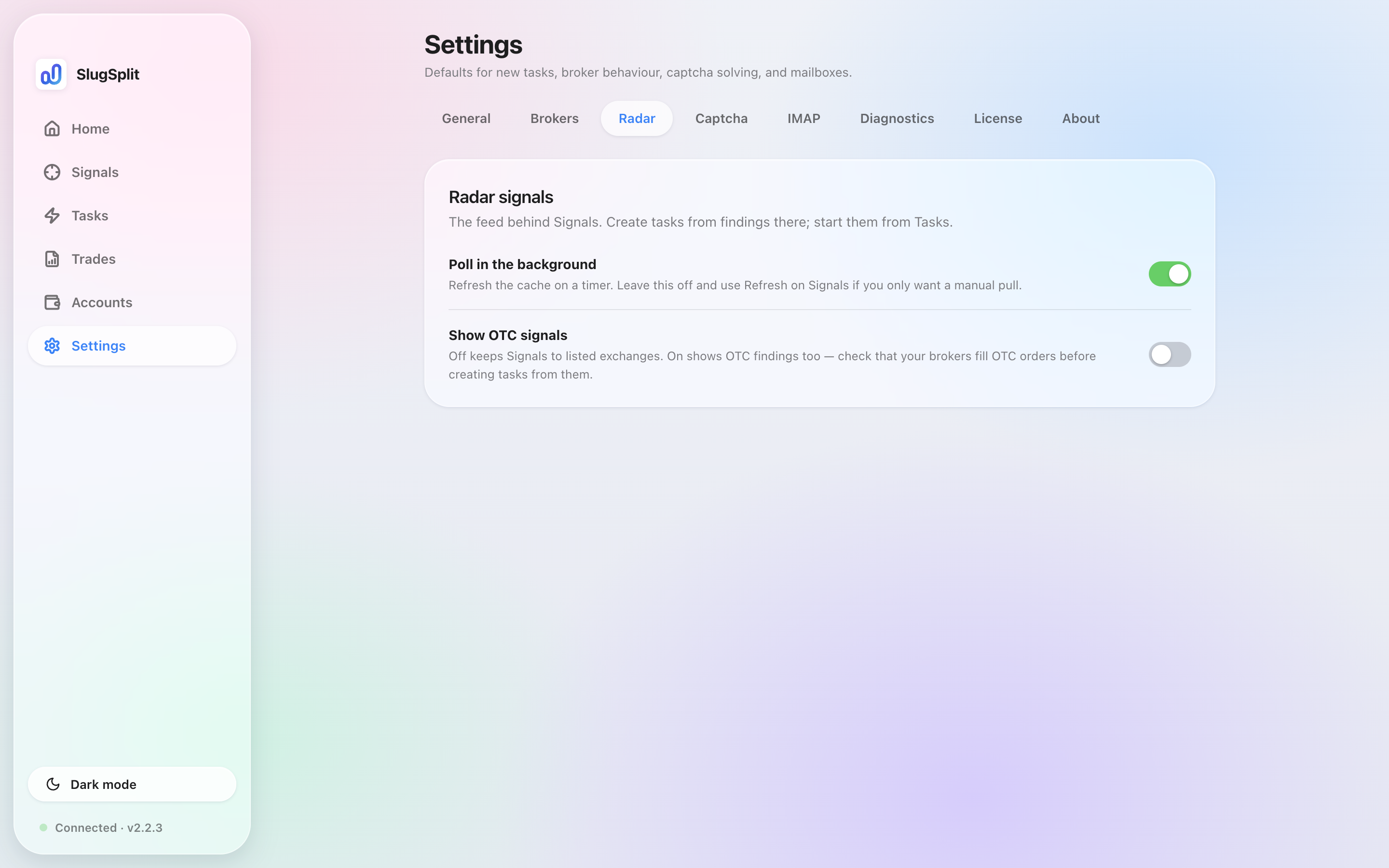
Radar signals. Background polling is on. OTC signals are off.