Settings
IMAP
Mailboxes SlugSplit reads one-time codes from.
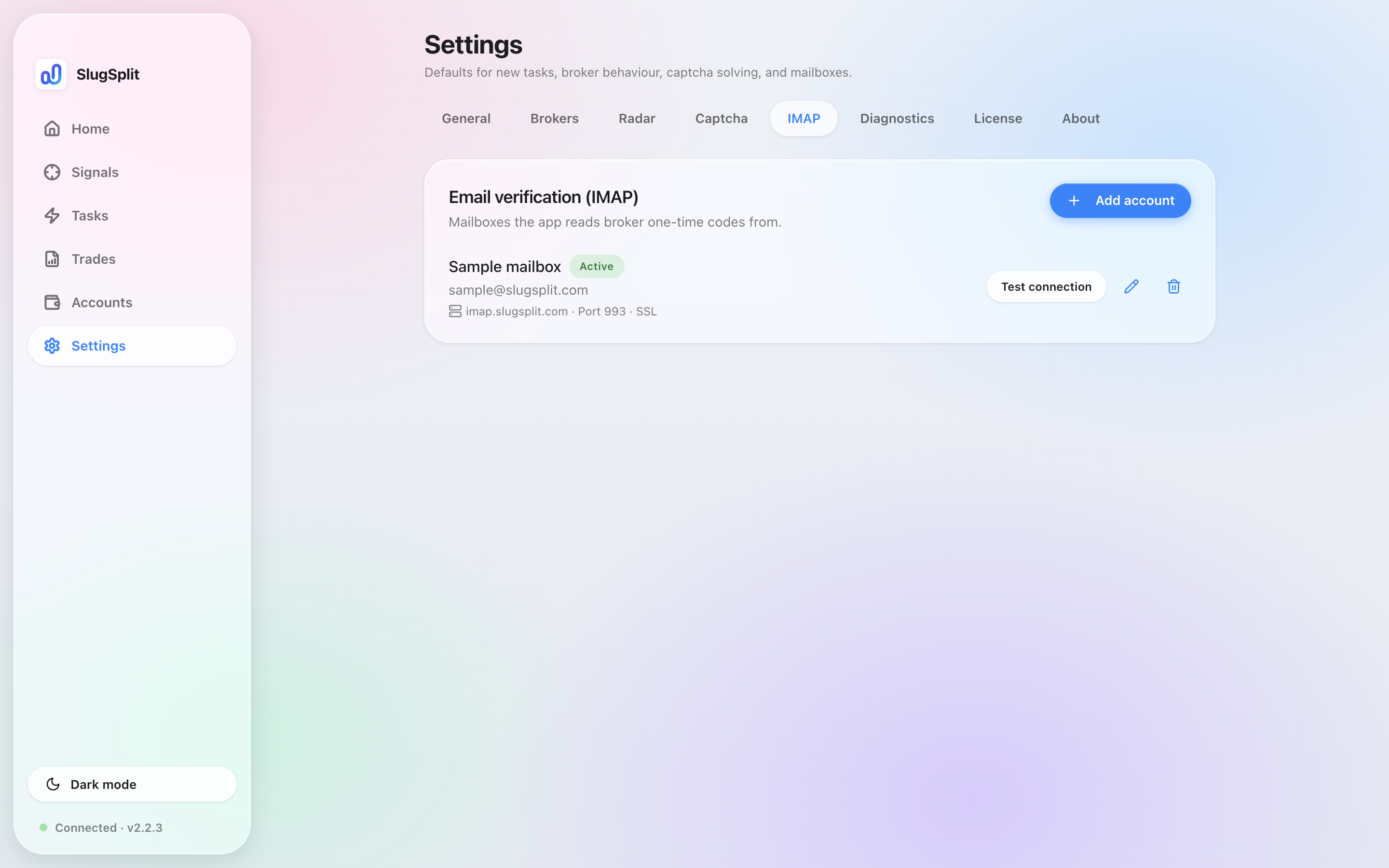
Choose Settings, then IMAP. The heading is Email verification (IMAP).
These mailboxes are where SlugSplit looks for a broker's one-time code. The same list is what an account can use when it asks which mailbox to read.
Add account opens Add email account.
- Name. A label you will recognize.
- Email. The mailbox address.
- Password. The IMAP password or an app password. When you edit, leave it blank to keep the stored one.
- IMAP server. Blank means detect it from the address.
- Port. Blank means the usual port.
- Use SSL. On by default.
Save on a new mailbox is Add account. On an existing one it is Save changes.
Each row shows Active or Inactive, the address, the server, the port, and SSL. Test connection checks the mailbox and reports Connection OK or Connection failed. The pencil edits the row. The trash can deletes it.
Deleting a mailbox does not delete broker accounts. Accounts that were reading codes from it keep working, but they have no mailbox until you pick another one.
The code window during sign-in is Verify.
IMAP with no mailbox added yet.