Settings
Diagnostics
Send logs to support, export them, or open the logs folder.
Choose Settings, then Diagnostics.
Logs stay on this machine. They do not include passwords or tokens.
What went wrong? is optional. Say which broker, what you were doing, and roughly when.
- Send logs to support. Uploads the logs. When it finishes, the page shows a reference code. Give that code to support so they can find the upload.
- Export logs. Writes a file, or opens the logs folder, and shows it in your file manager.
- Reveal logs folder. Opens the folder without uploading anything.
If the upload fails, use Export logs and send the file yourself.
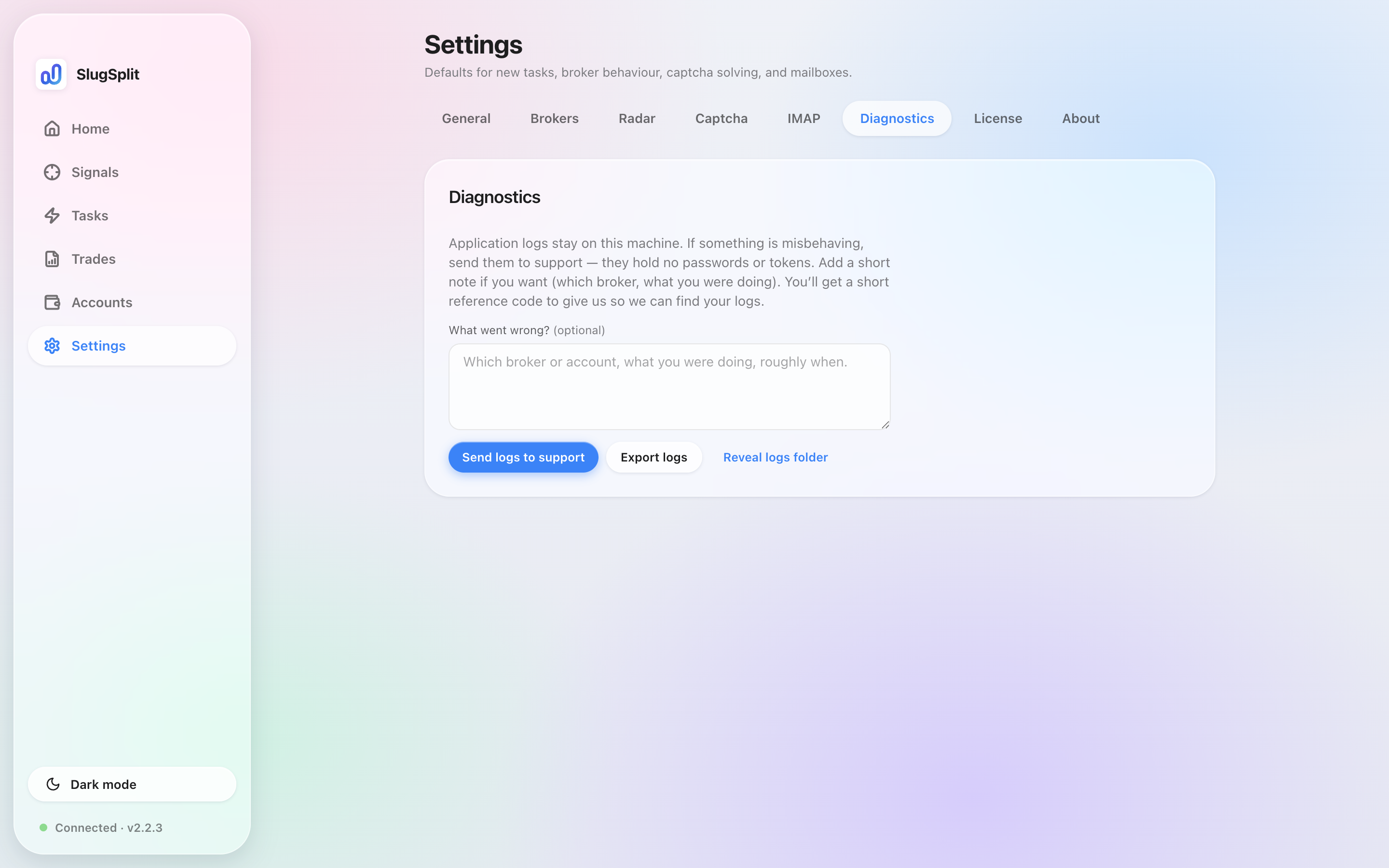
Diagnostics. The note is empty. Nothing has been sent.