Getting started
Installation
It's really simple to install SlugSplit.
The app and the license key both come from your welcome email.
Google Chrome's needed#
SlugSplit uses Google Chrome to authenticate with your brokerages locally. Other browsers (Edge, Firefox, etc) are currently not supported and will not work.
Install the app#
Open the disk image from the email. Drag SlugSplit into Applications, then open it from there.
Activate your license#
- Run SlugSplit. You will be prompted to enter your license key.
- Enter your license key.
- Click Activate.
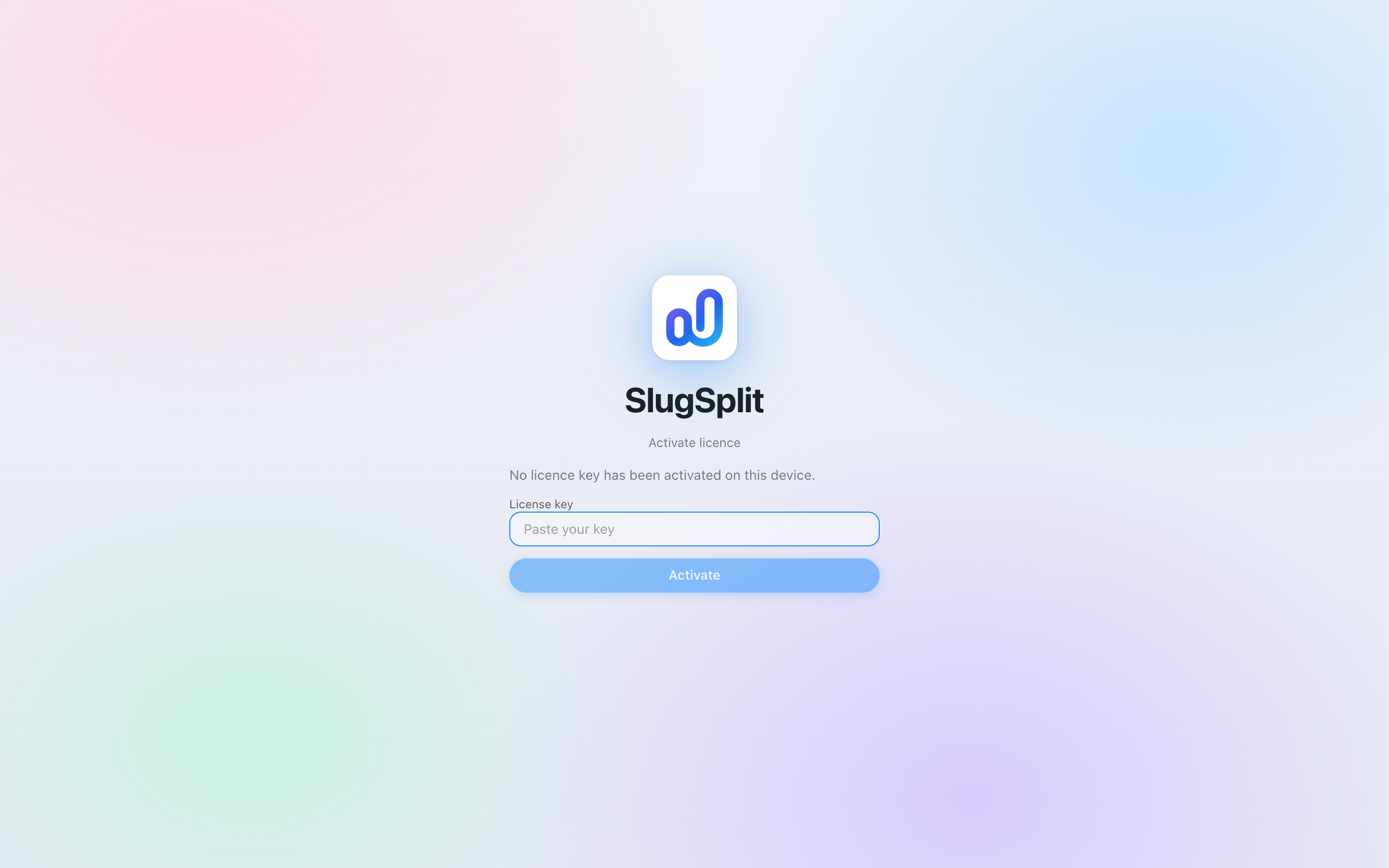
The sign-in screen, before a key is pasted.
Once your key is accepted, congrats! You can now officially use our new product. Happy profiting!
Key not accepted? Make sure you copied the whole key with no extra spaces. If it still fails, contact support@slugsplit.com or reach out to us in our Discord server.
SlugSplit updates itself automatically. You won't need to download a new installer for future updates.