Settings
General
Task defaults, headless mode, the verification timeout, and reset.
Choose Settings, then General.
Each switch saves as soon as you move it.
- Sort brokers. On lists brokers alphabetically. Off keeps the order they were added in.
- Default dry run. New tasks start as a dry run and place no real orders. You can still turn it off on one task.
- Default max shares (buy). New buy tasks default to buying as many shares as the account can afford.
- Default sell all (sell). New sell tasks default to selling the whole position.
- Headless mode. Broker browsers run with no window. Leave this off. Many brokers refuse a headless login. SoFi always opens a visible Chrome window.
Verification timeout is how long to wait for a code or an app approval. Set minutes and seconds. The shortest wait is 1 minute. The longest is 10. A new install waits 2 minutes.
Leave Headless mode off unless you already know that broker accepts a windowless browser.
Reset to defaults puts every setting back to the shipped value, including the captcha provider. Stored API keys and mailboxes stay.
Reset changes the defaults for new tasks, including Default dry run. A task already running keeps the values it started with.
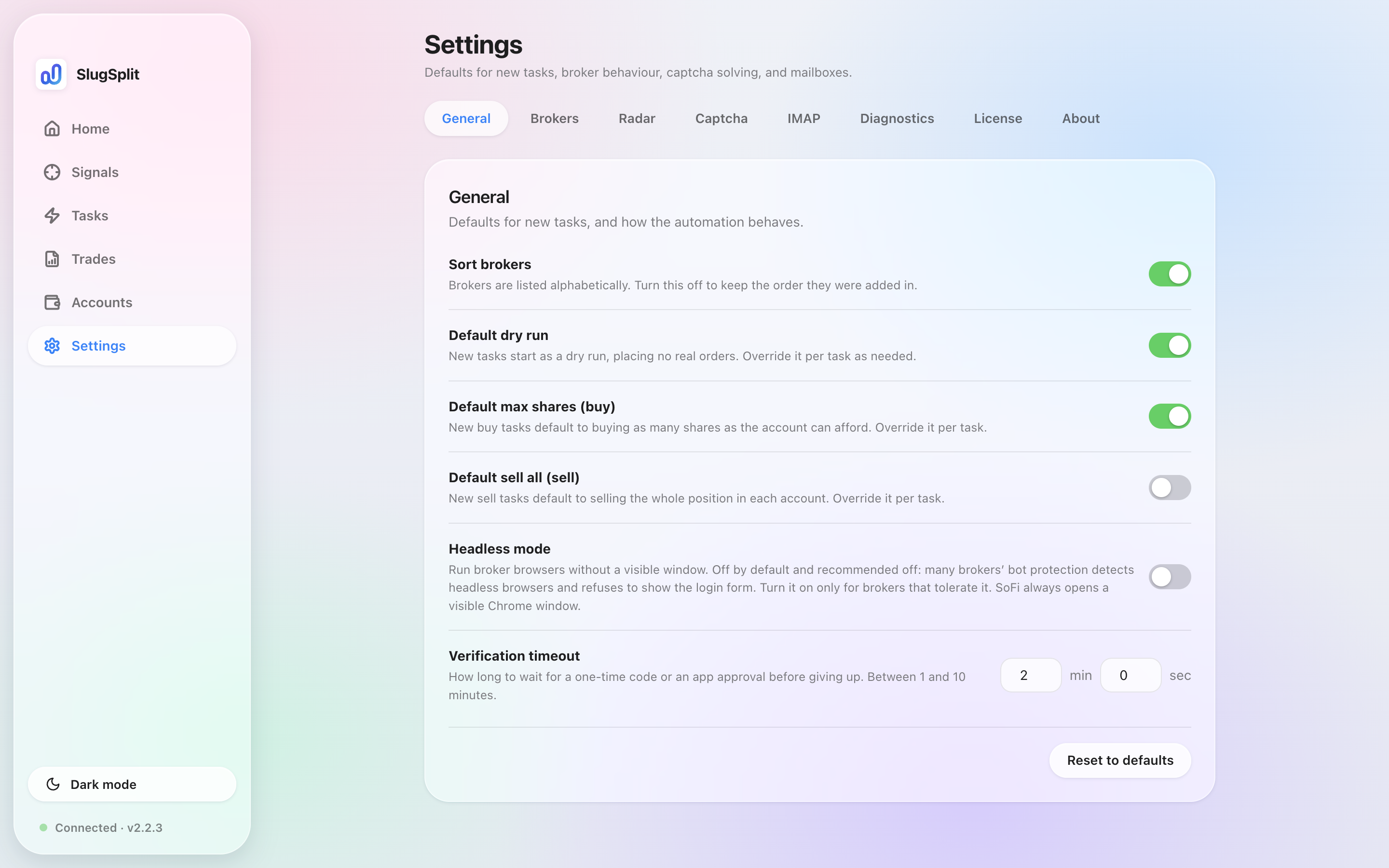
General settings. Default dry run is on.